How to Lock Down Your Social Media Privacy Settings
Social media accounts tend to start open and stay open, quietly sharing more than most people realise: who can see your posts, who can tag you, and what data the platform uses. A short privacy pass over each account puts sensible limits in place without making the account useless.
Follow these steps
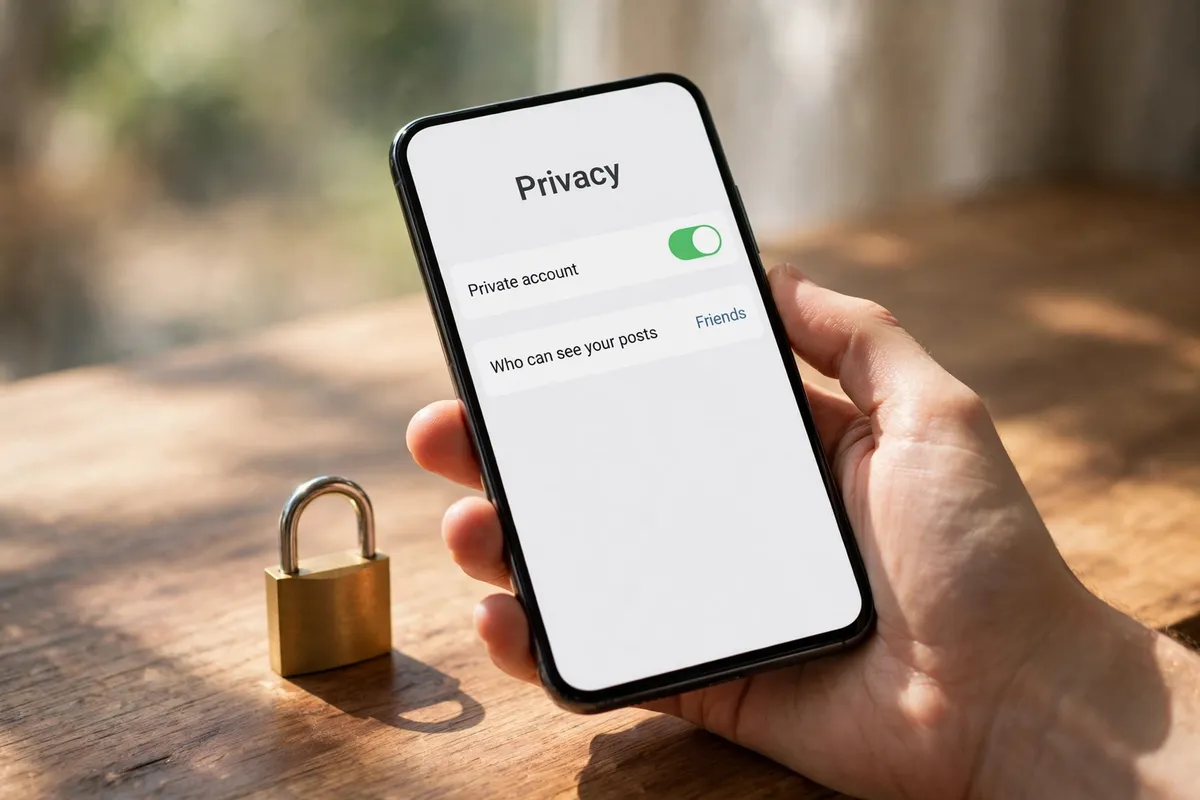
- Set your audience to people you actually know. In each app's privacy settings, change who can see your posts and your profile from Public or Everyone to Friends, Followers, or a similar limited audience. Check both future posts and, if the app offers it, past posts too.
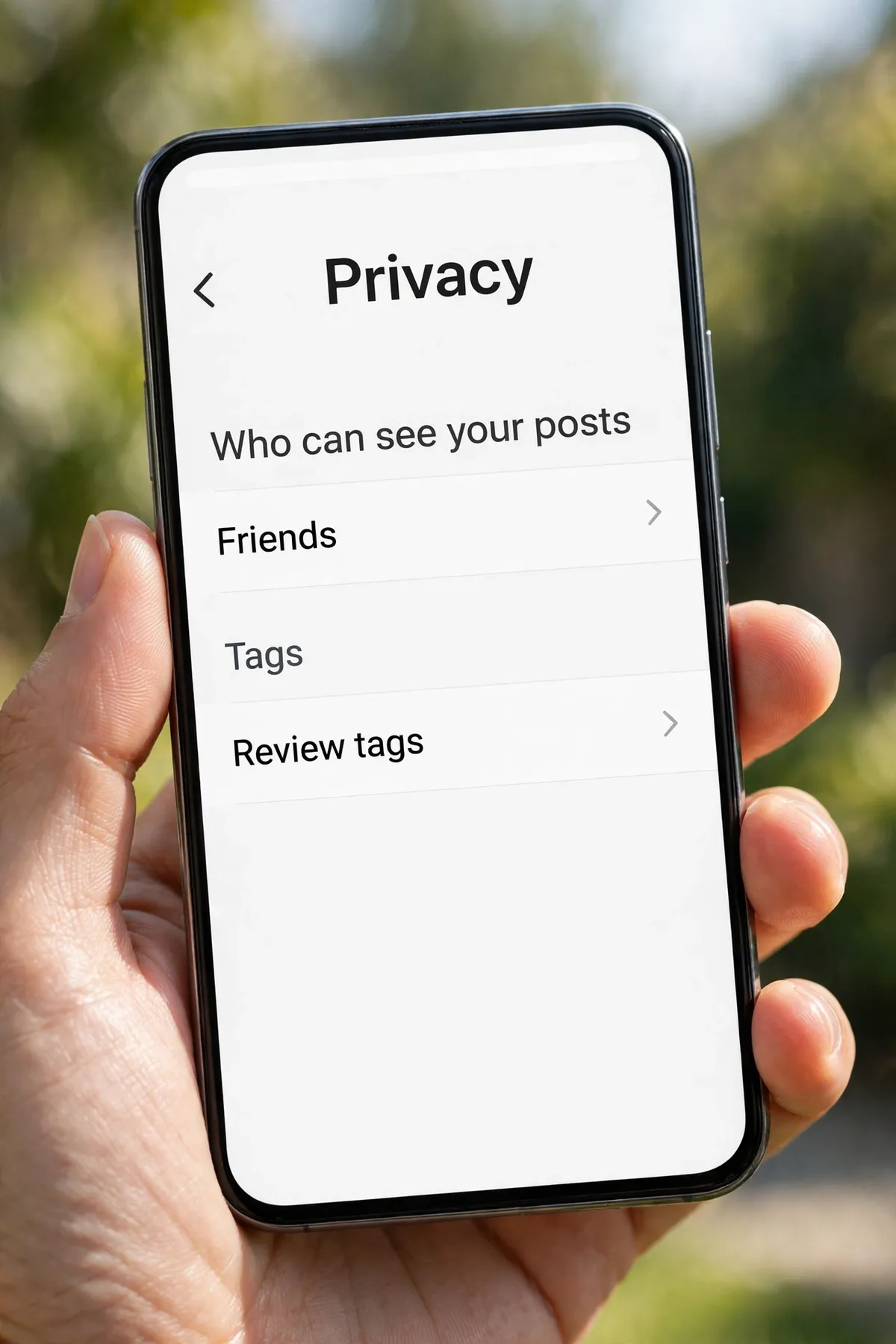
- Review who can tag you and what appears on your profile. Turn on tag review if it is available, so posts and photos other people tag you in need your approval before they show on your profile. Remove tags you do not want, and limit who can post on your profile.
- Check your followers and connections. Look through your followers or friends list and remove accounts you do not recognise or no longer want seeing your posts. An audience you have not reviewed in years is rarely the audience you would choose today.
- Limit data sharing and personalised ads. In privacy or ad settings, limit off-platform data sharing and personalised ads where the app allows it. This does not remove ads, but it reduces how much of your activity is used to target them.
- Turn on login alerts and two-factor authentication. In security settings, turn on alerts for new logins and turn on two-factor authentication. If someone else tries to sign in, you will hear about it, and a password alone will not be enough.
- Download a copy of your data. Most platforms let you download your posts, photos, and account information. Do that before you change or delete anything major, so you have a copy of what matters to you.
What NOT to do
- Do not leave new accounts on their default public setting without checking it first.
- Do not accept every follow or friend request — each one widens who can see your posts.
- Do not share your location, daily routine, or travel plans in public posts.
- Do not approve tags or posts on your profile without looking at them first.
Privacy settings are worth revisiting once in a while, because apps change them and new features arrive with open defaults. A quick check every few months keeps your accounts close to how you actually want them.